
Chat Macro Shortcuts & API Addon
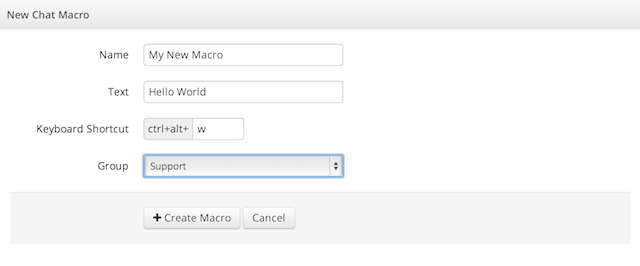
We implemented a little update yesterday evening. We would just like to point out 2 new features that might be interesting for you: Chat Macro Shortcuts and our new API Addon.
Chat Macro Shortcuts
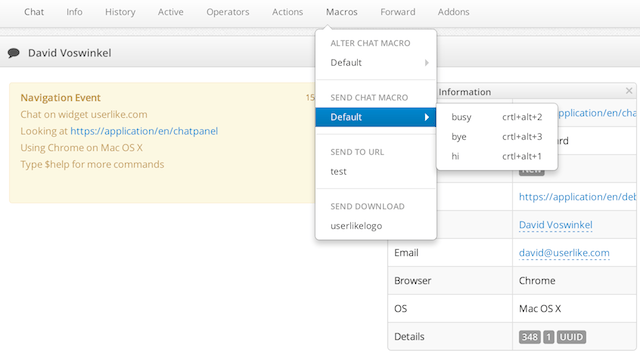
If you’re a heavy chat user you will probably have grown accustomed to the chat macro feature. With keyboard shortcuts it is now even easier to apply chat macros during the chat.
You probably use 20% of the macros 80% of the time, for example the opening and closing sentences. These are perfect candidates to use the shortcuts for. Just use CTRL+ALT+Letter, e.g. CTRL+ALT+H for “Hi, how can I help you”. Note that we do not support numbers. So no CTRL+ALT+1, etc.
API Addon
The second new feature you should know about is the API Addon. As you probably know, we have standard integrations with major helpdesk/CRM systems like Zendesk or Highrise. However if you were using your own legacy system, the situation used to be that you would have to poll our API.
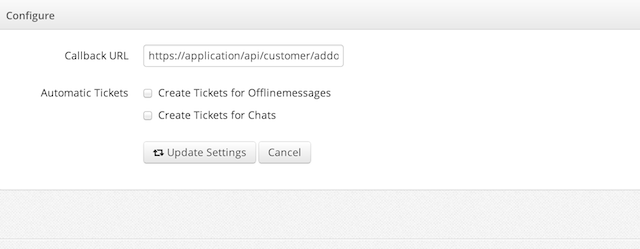
With our new API Addon this is not necessary anymore, and it makes it much easier for you to integrate. The addon is a callback API, and like our other integrations it will allow you to forward offline messages and chat transcripts to your system.
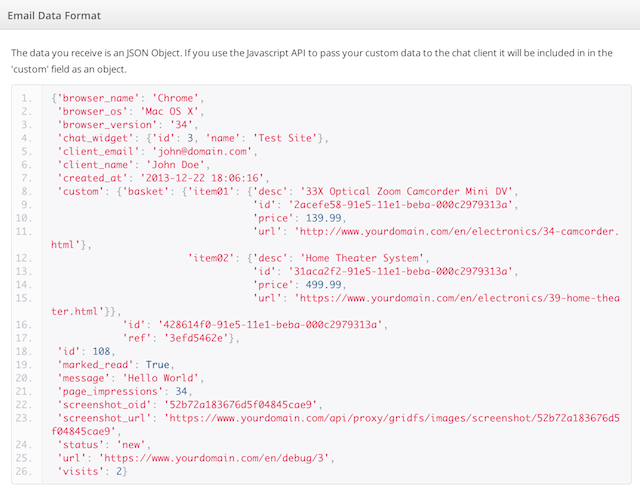
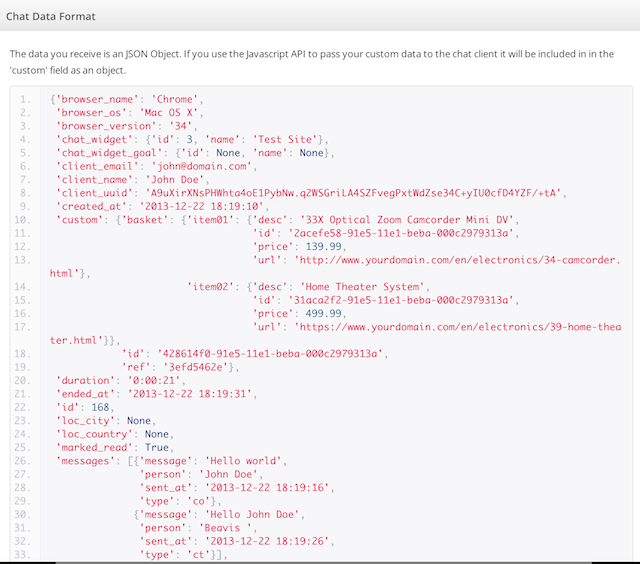
To integrate you should provide a callback URL of your system or server. This is where the data from the offline messages and chat transcripts will be sent to.
About the Author

Pascal van Opzeeland
Pascal is Managing Director at Lime Connect, a leading all-in-one software for AI-based support automation, WhatsApp marketing and omni-channel customer messaging.
Related Articles
-
Read now: Introducing Connect AI: A New Chapter for Customer Service
 AI & Chatbots, News & Updates
Introducing Connect AI: A New Chapter for Customer Service
Transform your customer service with Connect AI: autonomous AI Agents, intelligent Copilot support, and automated workflows for faster, smarter, 24/7…
-
Read now: A new chapter: Userlike becomes Lime Connect
 Lime Technologies, News & Updates
A new chapter: Userlike becomes Lime Connect
Fifteen years ago, we started Userlike with a simple idea: Make it easier for businesses and customers to talk to…

